The Glitched Attraction Multiplayer PC Fangame vs Roblox Multiplayer Remake
What carried over, what is still coming, and why PC sticky-note codes do not belong in Roblox.
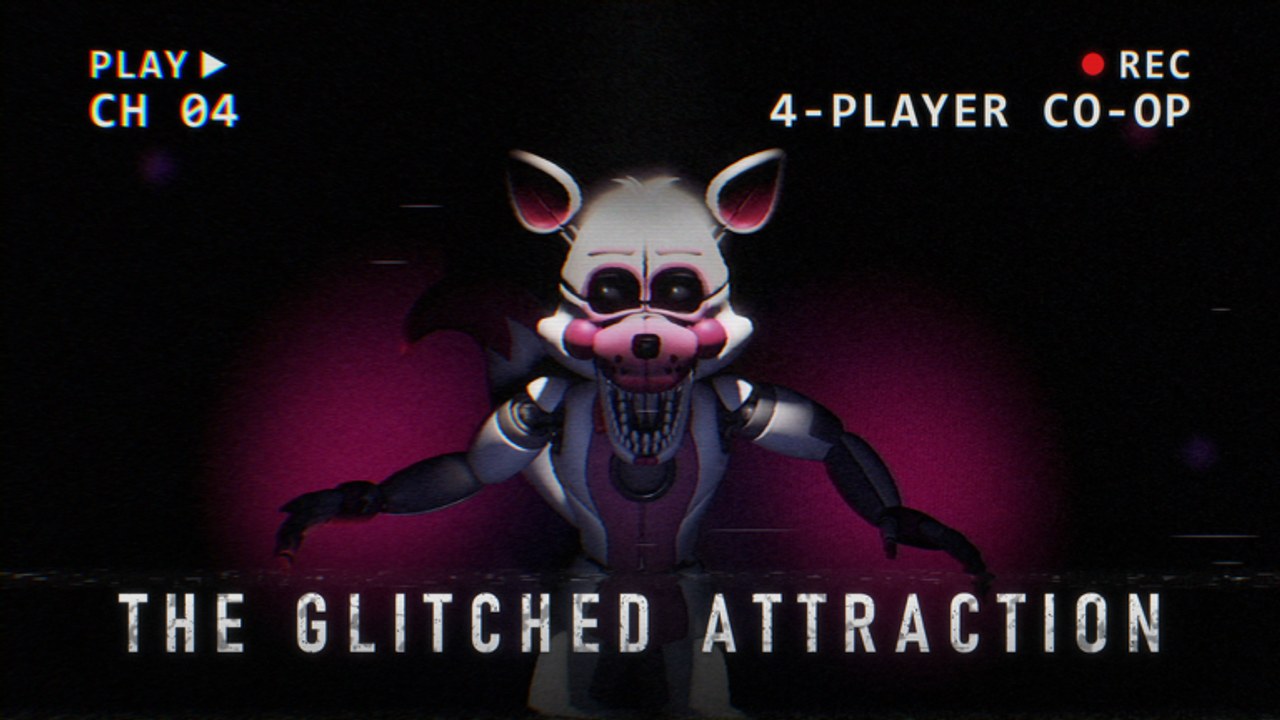
Players searching for The Glitched Attraction often land on two different products: the original PC fangame associated with PowerLine Studios on GameJolt, and The Glitched Attraction Multiplayer, the Roblox remake by noahthemako. They share attraction DNA, tip-style teaching, and era-themed rooms — but they are not the same build, not the same save file, and not officially tied to Scott Cawthon. This page separates them so you stop pasting PC solutions into Roblox rooms that have not caught up yet.
For live Roblox stage order, use Full Walkthrough and Updates Roadmap. For in-experience lockboxes on Roblox, use Lockbox and Safe Codes only when those puzzles exist in your build. Deep dives for common Roblox stages live in Nightmares Guide and Toys Guide.
Quick identity check
| PC (GameJolt lineage) | Roblox Multiplayer | |
|---|---|---|
| Platform | Standalone PC download | Roblox experience |
| Creator context | PowerLine Studios fangame lineage | noahthemako remake |
| Players | Primarily solo campaign | Solo or co-op up to 4 |
| Affiliation | Fan work inspired by FNaF-style horror | Fan remake; not affiliated with Scott Cawthon or PowerLine Studios |
| Live status (Roblox) | Historical PC campaign | Released 2026-10-14; content still expanding |
If you pressed Play inside Roblox, you are on the Multiplayer remake. Guides, videos, and sticky-note screenshots from the PC campaign may spoil rooms you do not have yet — or describe puzzles that were rebuilt.
What the PC campaign historically covered
Community documentation for the PC fangame describes a long attraction campaign with many themed segments. Names commonly listed across walkthroughs and wiki-style writeups include:
- Lobby
- Nightmares
- Toys
- Cursed
- Funtimes
- Accident
- Lost Media
- Back Alley
- Basement
That fuller list is a PC campaign map, not a promise that every segment is live on Roblox today. Treat PC full walkthrough videos as lore and structure references, not as a checklist you must finish tonight on Roblox.
What Roblox commonly has in late 2026
As of late November 2026, players and creator messaging commonly describe Roblox progress through:
- Lobby
- Nightmares
- Toys
- Cursed
- Funtimes
Official-facing notes also emphasize that more levels are coming. Exact unlock order, difficulty tweaks, and whether later PC-named segments appear one-for-one can change after patches. Always verify against Updates and the Roadmap instead of assuming Accident, Lost Media, Back Alley, or Basement are already playable in your Roblox session.
Shared DNA you will recognize
Both experiences lean on:
- A broken attraction framing instead of a pure office night shift.
- Tip monitors and instructional props that teach verbs before punishing you.
- Era-flavored rooms that remix familiar animatronic aesthetics.
- Hide, sneak, flashlight discipline, and puzzle pressure.
If you already cleared the PC game, Roblox will feel familiar in tone. If you only know Roblox, watching a careful PC walkthrough can preview narrative beats — with spoilers — without guaranteeing identical puzzle solutions.
Multiplayer is the biggest mechanical gap
PC play is a solo campaign fantasy: you alone read tips, manage aggro, and hold the timeline.
Roblox Multiplayer adds one to four players in the same attraction. That changes:
- Who reads the tip monitor while someone watches a door.
- How noisy a room becomes when four flashlights turn on.
- Whether a public server stranger soft-locks your prop chain.
- How you recover after a chase (spread hide spots instead of one desk).
Co-op habits belong on Co-op Tips and Join Friends. Solo Roblox habits belong on Solo Tips. Do not assume PC muscle memory covers hallway callouts.
Tip monitors: same teaching spirit, verify locally
Tip-style monitors are shared DNA. The remake inherits the idea that the attraction tries to instruct you even while it fails. That does not mean every PC monitor paragraph was copied verbatim into Roblox.
Rules of thumb:
- Read the monitor in your Roblox room first.
- Use wiki stage guides for Roblox-specific routing.
- Treat PC transcripts as secondary flavor if wording differs.
- Never skip Roblox tip text because you “already know” the PC line.
When monitors disagree with a YouTube short from 2024 PC footage, trust the live Roblox prop.
Critical warning: do not paste PC sticky-note codes into Roblox
PC walkthroughs often show sticky notes, safe digits, and environmental codes. Some creators film entire classic-level playthroughs with every drawer and lock. Those numbers are not a cheat sheet for Roblox.
Why pasting fails:
- Roblox rooms may use different digits, props, or step order.
- A level that exists on PC may be missing, renamed, or incomplete on Roblox.
- Multiplayer desync and shared interacts change how you confirm a code.
- Wrong digits waste time under animatronic pressure and train bad habits.
For Roblox lockboxes and safes, only use numbers you find in the live experience or that are documented for the Roblox remake on Lockbox and Safe Codes. If that page says a code is build-specific, re-check after updates.
How to use PC videos responsibly
PC full walkthroughs (including chaptered classic-level videos) are useful when you want:
- A sense of how Lobby through Funtimes paced on PC.
- Visual vocabulary for era rooms before Roblox ships more content.
- Lore framing before you read Story and Lore.
They are poor tools when you want:
- Exact Roblox safe codes.
- Confirmation that Accident or Basement is live on Roblox.
- Co-op role advice (PC videos will not teach four-stack callouts).
Prefer Roblox-captured guides for mechanical clears. Keep PC footage in a “history and comparison” mental folder.
Spoiler and expectation management
Because the Roblox remake is still expanding, you may finish every currently common Roblox stage (Lobby through Funtimes) and still lack PC ending segments. That is expected. “More levels coming” means your Roblox save is not automatically the full historical PC campaign.
If a friend spoils a PC-only basement twist, label it as PC lore when you discuss it. Do not harass the Roblox creator for not mirroring every PC beat on day one of a live-service remake.
Practical decision guide
Play Roblox if you want co-op up to four, easy invites, and an actively updating Roblox attraction remake.
Play or watch PC if you want the longer historical solo campaign and classic room list for comparison.
Use both carefully if you enjoy lore but verify every code and route in the platform you are actually running.
Where to go next on this wiki
- Full Walkthrough — Roblox stage flow and video help.
- Updates Roadmap — what is live versus still coming.
- Lockbox and Safe Codes — Roblox-oriented code discipline.
- Nightmares Guide and Toys Guide — stage deep dives.
- Story and Lore — light narrative framing without dumping every ending.
- Wiki overview — project identity and disclaimers.
You are not “playing the GameJolt file inside Roblox.” You are playing a separate multiplayer remake that honors the attraction fantasy while shipping on a different platform schedule. Keep the lineage clear, keep the codes local to Roblox, and enjoy the shared tip-monitor dread without forcing PC completionism onto a build that still says more levels are coming.
Return to the Guides Hub for every tutorial in one list.
Frequently Asked Questions
Quick answers to the most common questions.
Is the Roblox game the same as the PC GameJolt fangame?
No. Roblox hosts The Glitched Attraction Multiplayer by noahthemako, a fan remake with co-op. The PC campaign is a separate PowerLine Studios lineage build with a historically fuller solo level list.
Which levels are commonly live on Roblox in late 2026?
Players commonly report Lobby, Nightmares, Toys, Cursed, and Funtimes, with messaging that more levels are coming. Confirm against Updates and the Roadmap after patches.
Can I reuse PC sticky-note codes in Roblox?
Do not. Digits and prop order can differ or be missing. Use numbers found in your Roblox session or documented specifically for the remake.
Does Roblox support co-op while PC is solo?
Roblox is designed for solo or up to four players cooperating. The classic PC campaign is primarily a solo experience.
Is either version affiliated with Scott Cawthon?
No. Both are fan works. The Roblox remake is not affiliated with Scott Cawthon or PowerLine Studios.