The Glitched Attraction Multiplayer Lockbox & Safe Codes Guide
In-room combinations are puzzle-derived and often randomized — stop pasting fixed YouTube numbers.
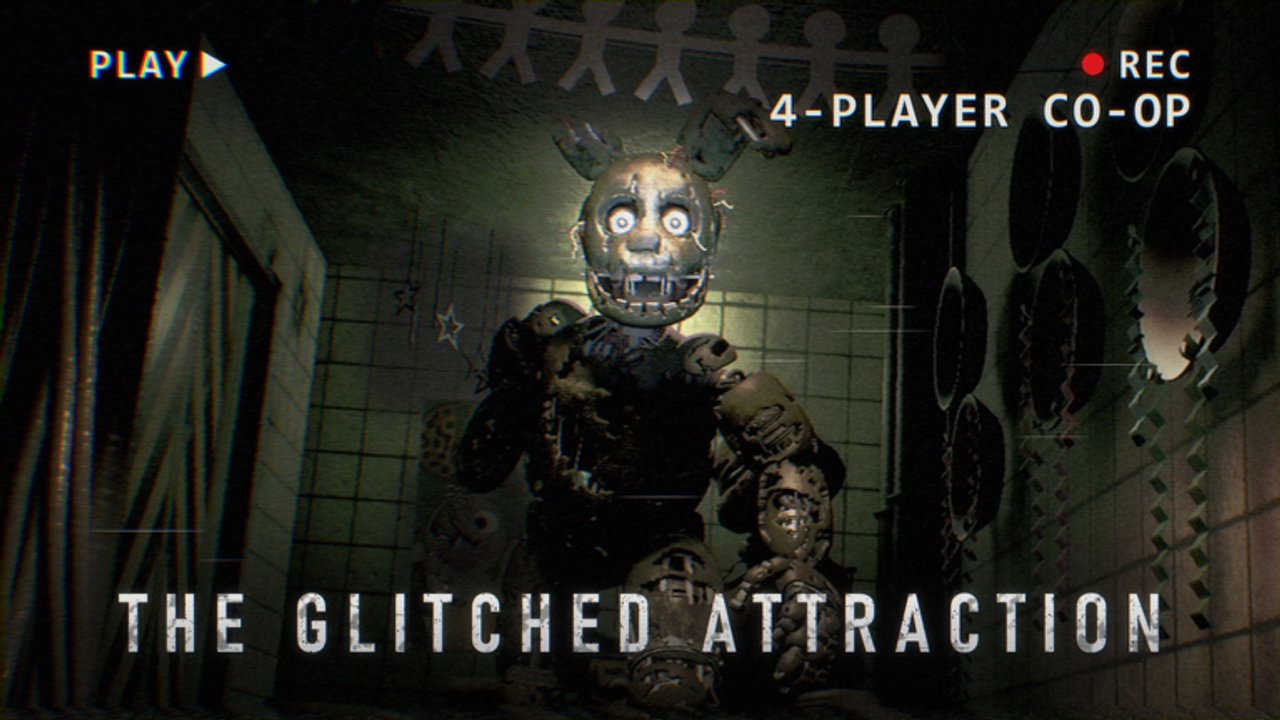
Players lose hours on lockboxes, safes, and keypad doors in The Glitched Attraction Multiplayer because they treat every six-digit string like a permanent public cheat code. It is not. On this Roblox remake — and in the PowerLine Studios PC fangame it rebuilds — most combinations are generated or revealed inside your current run after you finish a local puzzle chain. A number that worked on someone else’s stream will fail on yours.
This page separates in-level puzzle codes from promo / Roblox reward codes. For free cosmetics or drops, use the Codes Hub (still none verified as of late November 2026). For Nightmares bedroom pressure, also open the Nightmares Guide. Survival habits that keep you alive while reading digits live on How to Survive.
Promo codes vs puzzle codes (do not mix them)
| Type | Where it comes from | What it opens | Fixed forever? |
|---|---|---|---|
| Promo / reward code | Developer Discord, Roblox posts, Codes UI | Cosmetics, boosts, account rewards | Until the developer expires it |
| Lockbox / safe / keypad code | Sticky notes, monitors, letter maps, puzzle pieces in your run | A prop, door, or item in that room | Usually no — per run or per layout |
| Arcade / system manager strings | Office screens, random office spots (Cursed-style) | Coins, machines, next beat | Often session-specific |
Roblox comment sections are full of people typing a streamer’s Nightmares safe number into their own lockbox and declaring the game broken. The code was never broken — it was never meant to be shared as a global constant.
Why your “correct” code still fails
Community Roblox footage and player reports (including lockbox complaints under mid-November 2026 all-levels clears) line up with classic Glitched Attraction rules:
- You skipped a reveal step. The safe stays locked until the puzzle that prints or places the digits is finished.
- You copied digits from another player’s run. Nightmares-style safes commonly use a combination assembled after keys, closet pieces, or desk clues — that string is not a wiki-wide constant.
- You misread lookalike characters. Sevens vs ones, sixes vs eights, and green/red letter overlays on Cursed-style screens cause most “I typed it right” failures.
- You are in the wrong box. Lobby, Toys symbol doors, and Cursed system pads are different props. A Toys sticky-note password will not open a Nightmares safe.
- You still have aggro. Some interacts ignore input while a chase is active. Hide, go dark, then retry — see How to Survive.
Nightmares bedroom safe (most common stuck point)
On the FNaF 4–inspired stage, expect a sequential flow: tip monitor → keys / pieces → desk or wall reveal → safe or lockbox. Classic PC clears show players finding a six-digit string only after the local puzzle completes; Roblox remake videos follow the same teaching pattern even when prop placement differs.
Do this:
- Read every tip on the Tips Monitor before touching props.
- Finish the bedroom checklist in order (keys, pieces, closets) with a watch partner if you are in co-op — Co-op Tips.
- When digits appear, read them aloud once, then enter them only after a Clear call.
- If the box rejects the input, re-check the reveal surface in your room. Do not open a different YouTube tab and paste a stranger’s number.
Deep layout and hide advice: Nightmares Guide. Visual routing for Level 1 on Roblox is in the embedded video on this page.
Toys symbol doors and sticky notes
Toys-era rooms lean on symbols, sticky notes, and gear / power routing more than a single global safe string. Treat yellow papers and wall marks as your password board. One player should own note reading; another watches Toy Chica / Mangle pressure. Full stage notes: Toys Guide.
Cursed system codes (letter / color mapping)
Cursed (Fazbear’s Fright / FNaF 3 energy) often uses on-screen letter pairs and colored digits rather than a spoken six-digit meme code. PC walkthrough comments famously explain reading red letters against green figures on the same monitor sentence — the Roblox remake keeps that tip-monitor teaching style. If your pad rejects input:
- Re-open the office / system monitor that spawned the string.
- Map characters carefully; do not invert color rules.
- Confirm you are on the system manager pad, not a leftover Nightmares muscle-memory box.
Stage deep dive: Cursed Guide.
Funtimes and later rooms
Funtimes focuses more on Tesla timing, Ballora halls, and assembly fantasy than a single bedroom safe, but tool cabinets and keypads still appear. Always prefer the live tip text over PC memory. See Funtimes Guide and the living Full Walkthrough.
Co-op rules for code entry
- One typist. Four people mashing the pad creates false “broken lockbox” reports.
- One reader. Digits spoken in two-digit chunks beat a panicked monologue.
- Watch first. Enter codes only during a Clear window.
- No Discord paste from other lobbies. Their run is not your run.
Troubleshooting checklist
- Confirm you are solving a puzzle code, not hunting a promo code.
- Re-read the last tip monitor line fully.
- Verify every prior prop in the chain actually completed.
- Re-copy digits from your reveal surface, character by character.
- Wait out aggro; flashlight off; retry once.
- If two clean attempts fail, leave the pad, clear the room, and restart the tip order — do not invent a third code from chat.
Related pages
- Tips Monitor — how instructional screens teach each room
- Flashlight Guide — reading digits in the dark without feeding aggro
- Solo Tips — entering codes without a watch partner
- Codes Hub — honest promo status only
This wiki will never publish a fake “works for everyone” Nightmares lockbox number. If a future update adds a truly fixed public combination, we will document it with a reproducible source. Until then, trust your room, not the comment section.
Frequently Asked Questions
Quick answers to the most common questions.
What is the Nightmares lockbox code?
There is no single public code. The combination is revealed by the bedroom puzzle chain in your run. Copy the digits from your room after you finish the prior steps.
Why did a YouTube code fail for me?
That creator’s run generated or revealed a different string. Puzzle lockboxes are not global promo codes.
Are these the same as Roblox promo codes?
No. Promo rewards (if any) are listed on the Codes Hub. Lockbox digits only open in-level props.
The pad ignores my input entirely — is it bugged?
Often you are still in aggro, on the wrong prop, or missing a prior tip step. Hide, re-read tips, then retry once.
Where should I watch a Roblox example?
Use the Level 1 Roblox remake video embedded on this page, then pause and match your own tip order instead of copying their final digits.