The Glitched Attraction Multiplayer How to Play With Friends on Roblox
Friends-list join, private servers, join codes, party size up to four, and how to avoid scam invites.
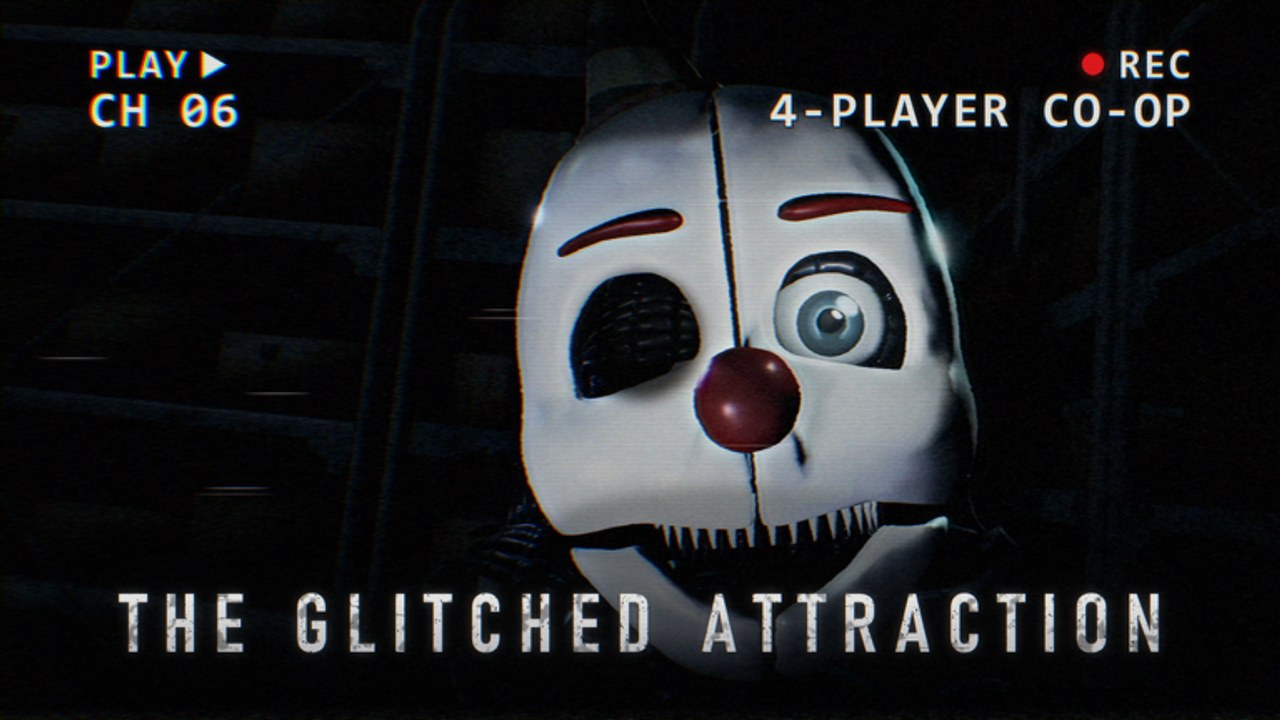
The Glitched Attraction Multiplayer is a Roblox escape-horror remake by noahthemako built for shared panic. You can clear rooms solo, but the intended fantasy is a small party moving through a glitched Fazbear-style attraction together. This guide explains how to actually get friends into the same session, when private servers help, how to treat join or server codes carefully, and why public lobbies feel different from a focused four-stack.
Before you invite anyone, skim Getting Started so newcomers know the lobby is a briefing room, not a race. Align binds with Controls. Once you are in the same place, switch to Co-op Tips for roles and callouts. Solo players who sometimes host friends should keep Solo Tips bookmarked for nights when the party falls apart.
Party size: design fantasy versus server count
Plan for up to four players cooperating. That is the intended co-op size for tip reading, hallway watches, and puzzle splits. A Roblox server instance may show more people in a public lobby, but your callout system should still assume a four-player team. Larger crowds create overlapping footsteps, accidental aggro, and “I thought you had the door” failures.
If your friend group is five or more, rotate who sits out, or run parallel private sessions. Do not force eight people into one puzzle thread and expect the Nightmares or Toys rooms to stay readable.
Method 1: Friends list join
The simplest path for most Roblox players:
- Add each other as Roblox friends ahead of time.
- One person presses Play on The Glitched Attraction Multiplayer (live since mid-October 2026).
- Friends open their Friends list, find the host who is In-Experience, and join that server.
- Wait in the lobby until the full party loads before leaving the safe briefing area.
Friends-list join fails when privacy settings block joins, when the host is still loading, or when the public server fills. If Join is greyed out, confirm friendship status and whether the host allows friends to join their experiences. Retry after the host fully spawns in the lobby.
Method 2: Private server (when available)
Private servers are the cleanest option for serious clears. Use them when:
- Public lobbies are full of randoms flipping every prop.
- You need quiet voice or text callouts for multi-step codes.
- You are practicing a hard stage without strangers sprinting through hide spots.
- You want a stable party of two to four without late joiners mid-puzzle.
Create or purchase a private server through Roblox’s normal private-server UI for the experience if the place offers one. Share the private-server link only with people you trust. Treat that link like a house key: do not post it in public Discord channels, YouTube comments, or group chats full of strangers.
If private servers are temporarily unavailable or too expensive for your group, fall back to friends-list join into a quieter public server, or use an official join-with-code flow when the experience exposes one.
Method 3: Join / server codes (use carefully)
Some Roblox sessions and creator tools expose a join with code style flow so friends can type a short code instead of hunting the friends list. When that UI exists for your session:
- Share the code in a private chat or voice call, not in a public server chat.
- Confirm the code expires or rotates if the host leaves.
- Tell friends the exact experience name so they do not paste the code into a different game.
- After everyone loads, stop repeating the code in chat.
Server join codes are not Discord nitro codes, gift cards, or “free Robux” links. Scammers often blur that line on purpose. If someone DMs you a code and asks you to visit an external site, install an executor, or enter account credentials, stop. Stay inside Roblox’s own join UI. This wiki never asks for passwords.
Public server chaos versus private focus
Public servers are fine for a first look, finding the experience, or meeting friendly randoms. They are worse for:
- Coordinated tip-monitor reading.
- Lockbox and safe sequences that need one puzzle lead.
- Voice callouts when ten people are screaming.
- Learning Nightmares, Toys, Cursed, or Funtimes routes without spoilers shouted over you.
Private or friends-only sessions let you assign puzzle lead, watch, scout, and runner the way Co-op Tips describes. Public chaos is part of Roblox culture; it is not a skill issue when your wipe came from a stranger flashlight-spamming the only hide locker.
Voice versus text callouts
Voice is fastest for “Hide,” “Clear,” and digit strings, but only if one person speaks at a time. Enable push-to-talk when possible so chair noise does not mask animatronic audio. Agree that the puzzle lead owns code readouts.
Text still works on mobile and for players who cannot use mic. Pre-agree short phrases: Hide, Clear, Holding, Code, Don’t touch. Long paragraphs die under chase music.
Mixed parties (some voice, some text) should repeat critical digits in text after saying them aloud. Never assume the mobile player heard a mumbled code.
Pre-join checklist (two minutes)
- Everyone updated Roblox and can launch the correct experience.
- Friendship or private-server access is confirmed.
- Party size is two, three, or four — not a mystery blob.
- Roles are named before you leave the lobby.
- Flashlight and crouch binds are tested — see Controls.
- Nobody is pasting random Discord “server codes” from strangers.
After you are in the same lobby
Do not sprint into the first dark hallway the second the fourth player loads. Use the lobby to:
- Confirm tonight’s goal (Lobby practice, Nightmares clear, Toys attempt, and so on).
- Remind the group that late November 2026 builds commonly include Lobby, Nightmares, Toys, Cursed, and Funtimes, with more levels still coming.
- Decide whether tonight is discovery or spoiler-ok walkthrough mode.
- Open Co-op Tips on a second screen if anyone is new to four-stacks.
If one friend cannot join, do not soft-lock the whole night waiting forever. Run a trio, or have the host hop to a new server and retry friends-list join once.
Scam and social-engineering warnings
Common traps around popular Roblox horror remakes:
- Fake Discord invites promising “VIP servers,” early levels, or admin.
- Codes that are actually phishing pages mimicking Roblox login.
- “Join my group for the real server” schemes that steal attention or worse.
- Paid script or executor pitches that have nothing to do with legitimate co-op.
Legitimate play only needs Roblox friends, the official experience, and optionally a private server or in-experience join code. Anything that asks for your password, two-factor codes, or file downloads is not part of joining friends.
Linking join logistics to better clears
Joining is only step one. After the party is stable:
- Use Co-op Tips for roles and aggro rules.
- Use Getting Started for first-run priorities.
- Use Controls when a mobile friend cannot crouch reliably.
- Use Solo Tips when you are practicing alone between group nights.
The attraction is already glitched. Your invite flow should not be. Get everyone into the same lobby cleanly, keep codes private, cap the fantasy at four cooperators, and let callouts — not public-server chaos — decide whether you clear the next room.
For the full tutorial map, open the Guides Hub. After patches that change servers or social features, skim Updates.
Frequently Asked Questions
Quick answers to the most common questions.
How many friends can cooperate in The Glitched Attraction Multiplayer?
Plan for up to four players total. That matches the intended co-op fantasy even if a public server instance shows a larger player count.
What is the easiest way to play together?
Add each other as Roblox friends, have one person enter the experience, then use the Friends list Join button. Use a private server when you need quieter puzzle work.
Are join codes the same as Discord gift or Robux codes?
No. A server or join code only helps friends enter the same Roblox session. Never enter account passwords or redeem random Discord "codes" from strangers.
Should we use public or private servers?
Public is fine for a first look. Private or friends-focused sessions are better for coordinated tip reading, lockboxes, and serious Nightmares or Toys attempts.
Do we need voice chat to co-op?
Voice is faster for hide callouts and digit strings, but short text phrases work. Mixed voice and text groups should repeat critical codes in chat.