The Glitched Attraction Multiplayer Getting Started on Roblox
How to join, use the lobby, survive your first minutes, and set up PC, mobile, or controller play.
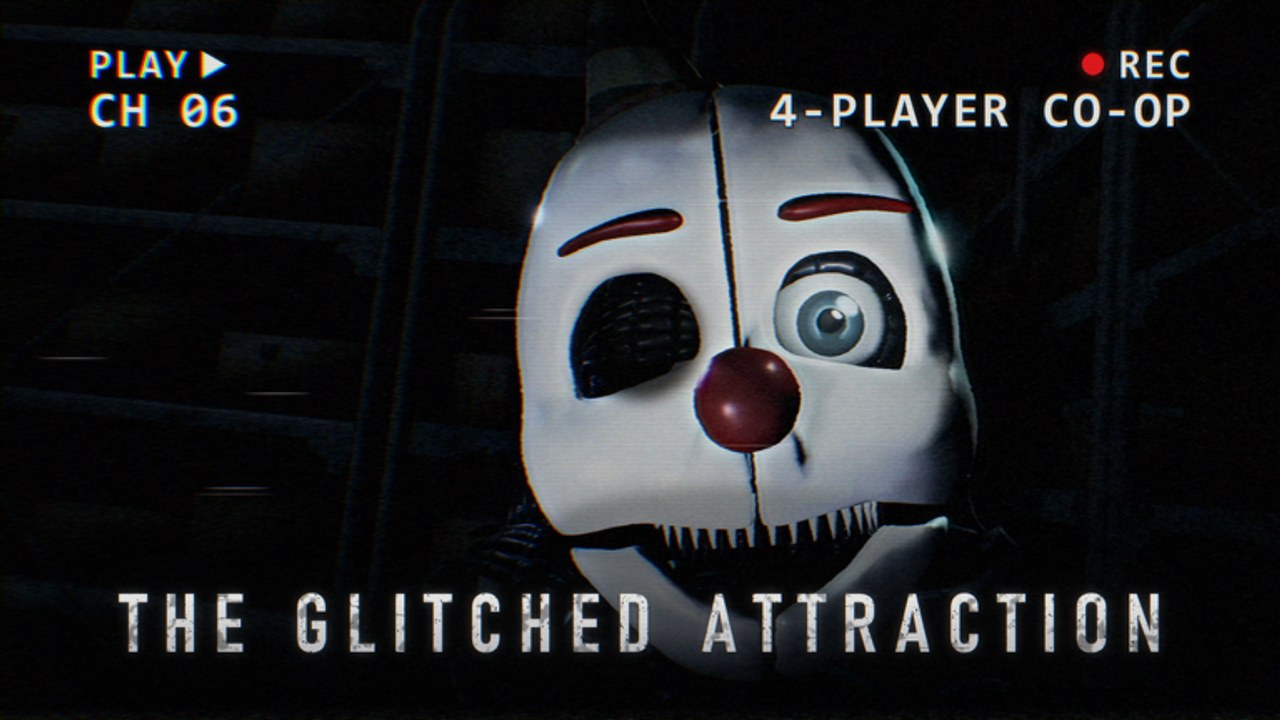
The Glitched Attraction Multiplayer is a Roblox escape-horror experience by noahthemako. You enter a broken attraction, follow tip-style guidance in rooms, hide from animatronics, and solve puzzles under pressure. You can play solo or with up to four friends. This getting-started guide covers joining, lobby habits, first-run priorities, and device setup so your first session is tense for the right reasons.
If you only open one page before queuing, make it this one. Then skim Controls and How to Survive. Friends joining later should read Co-op Tips before you attempt longer stages. For a full stage outline, keep Full Walkthrough open on a second screen.
How to join the experience
- Open Roblox on PC, phone, tablet, or a supported console-style setup with a controller.
- Search for The Glitched Attraction Multiplayer, or use the official experience link from this wiki’s site metadata / Roblox page.
- Press Play and wait for the place to load. First joins can take longer while assets stream.
- Allow microphone access only if your group uses voice; text chat still works for callouts.
- Confirm you are in the correct experience (fan remake on Roblox, not the old PC GameJolt build).
The experience is live as of mid-October 2026. Servers can feel busy during peak hours. If a public server is chaotic, create a private server with friends for cleaner puzzle communication.
What the lobby is for
Treat the lobby as your briefing room, not a race start. Use it to:
- Confirm party size (solo, duo, trio, or four).
- Agree who leads puzzles and who watches hallways.
- Check that everyone can crouch or sneak and toggle a flashlight without fumbling.
- Remind the group that more levels may still unlock over time, so tonight’s goal might be “clear what is live,” not “finish a forever end credits.”
If someone is brand new to Roblox horror, have them stand still and practice look, move, interact, and flashlight before you leave the safe area. Thirty seconds of practice prevents a wipe when the first animatronic patrol begins.
First-run priorities (first 15 minutes)
Learn the verbs, not the map. Early rooms teach hide, sneak, interact, and tip-monitor reading. Read every tip. The original fangame DNA loves instructional monitors; the Roblox remake inherits that teaching style.
Do not sprint everywhere. Noise and reckless camera swings get you spotted. Move with intent, stop at corners, and peek before committing into a doorway.
One puzzle at a time. Escape-room horror fails when four people yank four props at once. Assign a puzzle lead even in a duo.
Flashlight is a tool, not a lifestyle. Light helps you read codes and dark corners. It also advertises your position. Practice short bursts. Details live in How to Survive.
Expect animatronic pressure. Threats are the timer. When audio or visual cues spike, abandon the puzzle, hide, and reset. Dying while “almost done” with a code wastes more time than a clean hide.
Bookmark useful wiki pages. After the session, open Nightmares Guide if that bedroom stage is available, and check Animatronics to name what killed you.
Solo versus co-op on day one
Solo is excellent for learning layouts and tip text without chat noise. You must cover watch and puzzle roles yourself, so your survival habits need to be sharper.
Co-op (up to four) is the intended social fantasy: one player reads a code while another holds a door watch, a third scouts the next room, and a fourth resets a mistaken interact. Co-op only helps if you communicate. Mute chaos is worse than solo. Read Co-op Tips before your first four-stack.
Device notes
PC
Keyboard and mouse give the best camera precision for peeking corners and tracking moving threats. Bind crouch and flashlight to keys you can hit without looking down. If you use a controller on PC, confirm dead zones so micro-sticks do not swing your view while you type a code.
Phone and tablet
Touch joysticks are fine for movement but weaker for precise peeks. Lower graphics slightly if frame time spikes during chases. Consider a clip-on controller if you play long sessions. Keep one thumb free for interact when a prompt appears mid-panic.
Controller
Controllers work well for crouch-walk patrols and flashlight toggles once rebound. Map interact to a face button you will not confuse with jump. Practice a “stop moving, then interact” habit so stick drift does not cancel prompts.
Full bind discussion: Controls.
First tips that prevent early rage quits
- Read tip monitors fully. Skipping text is the fastest way to soft-lock a room logic chain.
- Call out what you interact with in co-op so nobody double-pulls the same lever.
- Hide first, argue later. When a threat enters, prioritize cover over explaining the puzzle.
- Do not invent codes from chat. If a codes UI exists in your build, redeem only through official in-experience steps summarized on the Codes Hub.
- Expect content updates. Official messaging says more levels are coming. Finish what is available, then check Updates later.
What to open after your first escape (or wipe)
- How to Survive — hide, sneak, flashlight, aggro.
- Full Walkthrough — stage order and video walkthrough.
- Nightmares Guide — bedroom-level deep dive when that stage is live.
- Tier List Hub — community difficulty rankings as they stabilize.
- Updates — patch notes after a content drop.
Mindset for a horror escape remake
This is not a power-fantasy obby. Progress is measured in calm clears, clean callouts, and fewer flashlight mistakes. The attraction is glitched on purpose. Confusion is part of the fantasy until tip text and co-op roles turn chaos into a plan.
You are playing a fan remake on Roblox. It credits the spirit of the PowerLine Studios original and FNaF inspiration, and it is not affiliated with Scott Cawthon or PowerLine Studios. Enjoy the tension, respect other players’ pace in public servers, and use private servers when your group wants a serious clear.
When you are ready for mechanical depth, leave this page and open the sibling guides linked above. The Guides Hub lists every tutorial in one place.
Frequently Asked Questions
Quick answers to the most common questions.
Is The Glitched Attraction Multiplayer free on Roblox?
It is a standard Roblox experience you join from the Roblox site or app. Any paid private servers or cosmetics follow normal Roblox rules for that place.
How many players can cooperate?
Design targets solo or co-op with up to four friends. Servers may show larger counts, but plan callouts and roles for a four-player team.
Should I watch a video before playing?
A short Roblox intro video helps you recognize lobby and early room pacing. Avoid full spoilers if you want discovery; use the Full Walkthrough page when you are stuck.
What if I get lost in the first rooms?
Re-read tip monitors, slow down, and practice hide spots before forcing puzzle progress. Open How to Survive for aggro and flashlight habits.
Where do codes and updates fit for beginners?
Check the Codes Hub only for confirmed redemptions. After patches, skim Updates so your first-run advice still matches the live build.